
Grounding Copilot with SharePoint, Graph, and Connectors
How to design a production grounding strategy for Microsoft Copilot across SharePoint, Microsoft Graph, and Graph connectors — with practical guidance on relevance, governance, and scale.
Copilot Consulting
April 21, 2026
7 min read
In This Article
The quality of a Microsoft Copilot response is determined more by the grounding surface it draws from than by any prompt that a user could write. When Copilot retrieves the right content, the answer is concise, cited, and actionable. When Copilot retrieves the wrong content — or retrieves the right content but cannot distinguish it from noise — the answer is generic, misleading, or worse. Getting the grounding surface right is the single most valuable investment an enterprise can make in its Copilot program after licensing and governance.
This guide walks through the grounding stack available to Microsoft 365 Copilot in 2026, the design principles that separate effective grounding from everything else, and the operating practices our consultants apply in enterprise deployments to keep grounding healthy over time.
The Grounding Stack
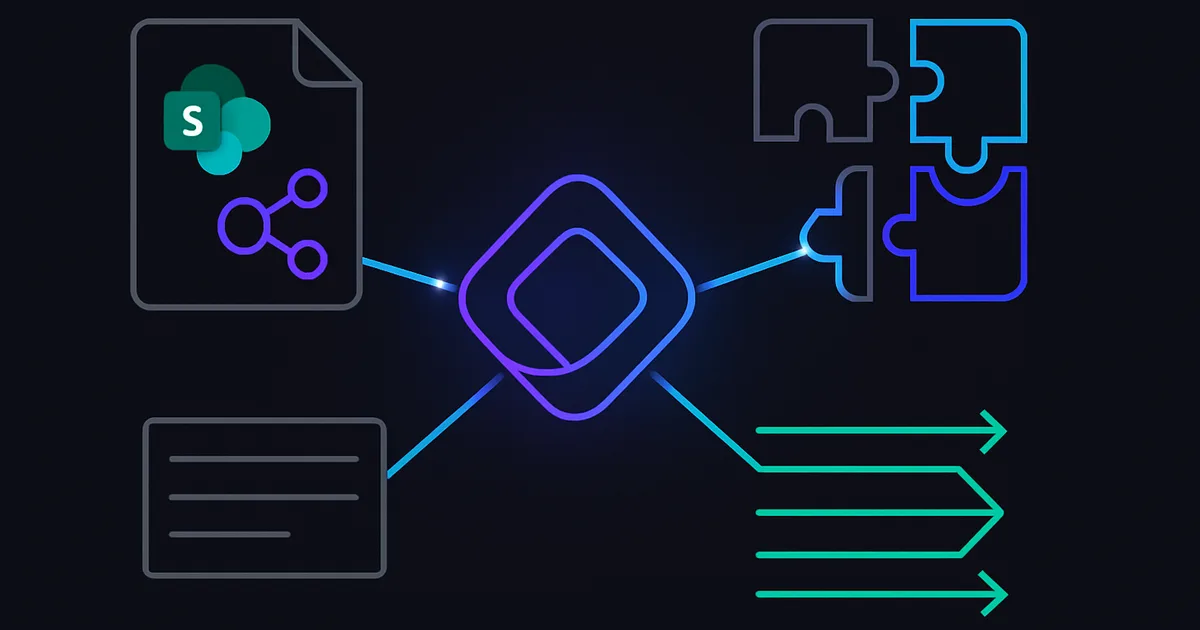
Microsoft Copilot grounds on five layers, each with different characteristics:
- Microsoft Graph (native) — the authenticated user's email, chats, calendar, files in OneDrive and SharePoint, and Teams conversations. Always on.
- SharePoint sites — the permissioned content libraries the user has access to. Relevance is driven by usage signals, recency, and sensitivity labels.
- Graph Connectors (built-in and custom) — indexes of content from non-Microsoft systems (ServiceNow, Salesforce, Jira, Confluence, databases, web content) exposed to Copilot.
- Copilot Studio knowledge sources — agent-specific knowledge attached to a custom agent: documents, URLs, Dataverse tables.
- Web grounding — optional, tenant-controlled access to web results via the Bing Grounding service.
Each layer has different design and governance implications. A production grounding strategy is explicit about which layers are used for which use cases, how the relevance is maintained, and how the governance is enforced.
Design Principle 1: Start With Curation, Not Connection
The single most common mistake we see in enterprise Copilot deployments is a connector strategy driven by "connect everything" rather than "connect deliberately." When an organization attaches twenty Graph connectors, the retrieval system faces hundreds of thousands of documents that compete for relevance, and the user sees responses that feel scattered and inconsistent.
The discipline we apply with clients is source curation. For each connector or SharePoint source being considered, we answer three questions before connecting:
- What is the authoritative use case this source serves?
- Who is the business owner responsible for its content quality?
- What obsolete or duplicate content must be archived before connecting?
If the organization cannot answer these questions, the source is not ready to connect. Turning on a connector before readiness is done produces noise, and noise is very hard to walk back once users have formed first impressions.
Design Principle 2: Sensitivity Labels Are Non-Negotiable
Microsoft Purview sensitivity labels are how Copilot evaluates whether content should be surfaced to a given user in a given context. Labels also drive DLP policies that can block sensitive content from appearing in AI responses. Unlabeled content bypasses these controls.
Before any grounding source is considered production, we target a minimum 80% label coverage, with auto-labeling policies handling the remainder. For regulated data (PHI, MNPI, privileged, PII), we target 100% coverage enforced through auto-labeling that cannot be overridden without approval.
Design Principle 3: Scope Connections Narrowly
Graph connectors and SharePoint connections can be scoped by site, library, folder, or query. The default instinct is to connect broadly. The correct instinct is to connect narrowly.
For a legal Copilot experience, we typically connect only the legal SharePoint hub, specific Dynamics case entities, and a curated web source list. We do not connect the general document library, the HR content, or the broad intranet. The legal users get sharper answers because their Copilot sees their content, not everything.
When we need multiple scoped experiences, we build multiple Copilot Studio agents rather than extending the enterprise Copilot. Each agent has a bounded grounding surface and a narrowly defined persona.
Design Principle 4: Usage Signals Drive Relevance
Microsoft Copilot's retrieval system uses more than just keyword matches. It factors in recency, authorship, collaboration patterns, document modification history, and user affinity. An older document that nobody has opened in three years will surface less often than a recent, frequently-accessed document, even if the keywords match both.
This has operational implications. Organizations that leave years of obsolete content in their document libraries suppress good content's relevance signals. A deliberate archival strategy — removing or labeling as superseded any content that is no longer authoritative — improves Copilot relevance without changing any configuration.
Our consultants recommend a biannual archival exercise on every actively grounded SharePoint source. The content owner reviews the library, archives the obsolete, updates the current, and signs off on the remaining. This single practice, more than any other, keeps grounding healthy at scale.
Graph Connectors: Deep Dive
Graph connectors allow Copilot to ground on non-Microsoft sources. The out-of-the-box connectors cover many common systems; the custom connector SDK supports anything else.
When to use built-in connectors
The Microsoft-supplied connectors (ServiceNow, Salesforce, Confluence, Jira, Azure DevOps, GitHub, and others) are production-ready and should be preferred when they fit the use case. They handle authentication, refresh scheduling, and schema mapping with minimal configuration.
When to build a custom connector
Custom connectors make sense when:
- The source system is proprietary or internal
- The out-of-the-box connector does not expose the field you need
- You need to implement custom ACL mapping to preserve user-level permissions
Key governance controls
- ACL mapping: The connector must map source system permissions to Entra IDs so that Copilot respects user-level access.
- Refresh schedule: Match refresh cadence to content change rate. Stale indexes produce stale answers.
- Result type and display template: Configure so Copilot can format the results appropriately.
- Item filtering: Exclude content that should not be indexed (draft, archived, restricted).
- Monitoring: Track connector health, indexing success rate, and error signals.
Copilot Studio Knowledge Sources
For custom agents built in Copilot Studio, the knowledge attachment model is different. You are attaching knowledge to a specific agent rather than adding to the tenant-wide grounding. This allows for tighter scoping and agent-specific personas.
Best practice for Copilot Studio knowledge:
- Attach SharePoint libraries at the library level, not the site level, when possible
- Attach Dataverse tables for structured data rather than uploaded CSVs
- Use web sources sparingly and only when the content is stable
- Run the agent's test set after every knowledge source change; regressions appear quickly
Web Grounding: Use With Caution
The Bing grounding option lets Copilot supplement internal knowledge with public web content. This is powerful for competitive intelligence, regulatory updates, and current events use cases, but it introduces three risks:
- Content quality: Web content varies in accuracy; hallucinations compound when the model anchors on low-quality sources
- Data leakage: Grounding queries are sent to the Bing service; some organizations have data residency concerns
- Compliance: Regulated industries may need to restrict web grounding for specific user populations
The tenant administrator should enable web grounding deliberately, document which user populations it is enabled for, and review telemetry to validate it is being used for its intended purpose.
Grounding Observability
You cannot operate a grounding stack you cannot see. The minimum observability we implement:
- Response-level diagnostics for a sample of Copilot interactions: which sources were consulted, which were cited, which were rejected
- Source-level indexing health: document counts, refresh status, error rates per connector
- Relevance regression tests: fixed test set of representative prompts with expected citations, run weekly
- User feedback signal: thumbs up/down patterns analyzed per source to identify degrading sources
When a specific source degrades, the owner is alerted, the root cause investigation is triggered, and the fix (usually archival or re-scoping) is implemented.
Capacity and Scale Considerations
At enterprise scale, grounding touches thousands of documents across dozens of connectors. Capacity planning matters:
- Connector quota: Each tenant has a default document index quota; large deployments require expansion
- Refresh scheduling: Staggered refreshes prevent midnight spikes that degrade user-facing query performance
- Index hygiene: Deleted or archived source content must be removed from the index, not just hidden
Plan these capacity and scheduling decisions during design, not after go-live.
The Grounding Maturity Model
We score enterprise grounding on a five-stage maturity model:
- Ad hoc: Connectors turned on without curation. Users confused. Relevance low.
- Emerging: Sources curated, labels partially deployed, some governance.
- Defined: Source ownership established, labels complete, refresh cadences scheduled.
- Managed: Observability in place, weekly regression tests, archival cadence operational.
- Optimized: Multi-agent grounding with bounded personas, cross-source orchestration, continuous improvement.
Most enterprises start between Stage 1 and 2. Reaching Stage 4 typically takes six to nine months of intentional work. Stage 5 is a durable strategic advantage.
Conclusion
Grounding is the highest-leverage work in a Microsoft Copilot program. Curate before you connect. Label before you surface. Scope narrowly. Archive aggressively. Instrument observability. Build the muscle of continuous source ownership, and Copilot will reward the discipline with sharply better answers.
Our consultants deliver grounding programs that take enterprise tenants from Stage 1 or 2 to Stage 4 within two quarters, with the governance artifacts and operational cadences required to sustain quality. Schedule a readiness assessment to map your current grounding maturity.
Copilot Consulting Team
Microsoft 365 Copilot Specialists
Our team specializes in Microsoft 365 Copilot adoption, AI governance, and Copilot risk mitigation for compliance-heavy industries. We help enterprises deploy Copilot safely with the right Microsoft Purview controls, oversharing remediation, and adoption frameworks.
Frequently Asked Questions
What are the five grounding layers Copilot can draw from?
Why is source curation more important than connecting everything?
What is the minimum sensitivity label coverage for production grounding?
How do Microsoft Graph connectors work for Copilot grounding?
When should we use Copilot Studio knowledge sources vs enterprise Copilot grounding?
Should we enable web grounding for our tenant?
How do we measure grounding maturity?
In This Article
Schedule a 30-minute working session
Get a 30-minute working session with one of our senior consultants to walk through how the technical guidance in this post applies to your tenant.
Related Articles
Related Resources
Need Help With Your Copilot Deployment?
Our team of experts can help you navigate the complexities of Microsoft 365 Copilot implementation with a risk-first approach.
Schedule a Consultation